Tesra – School of Creative Design

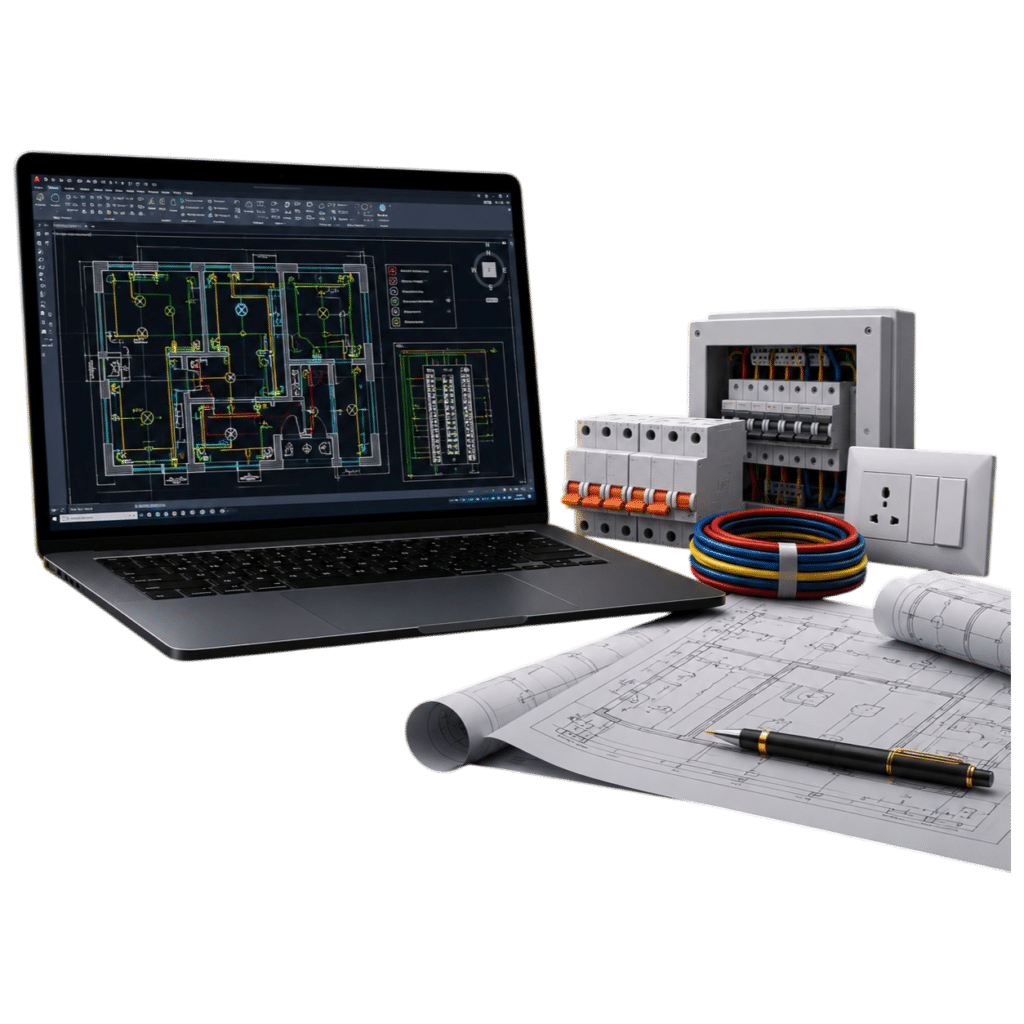
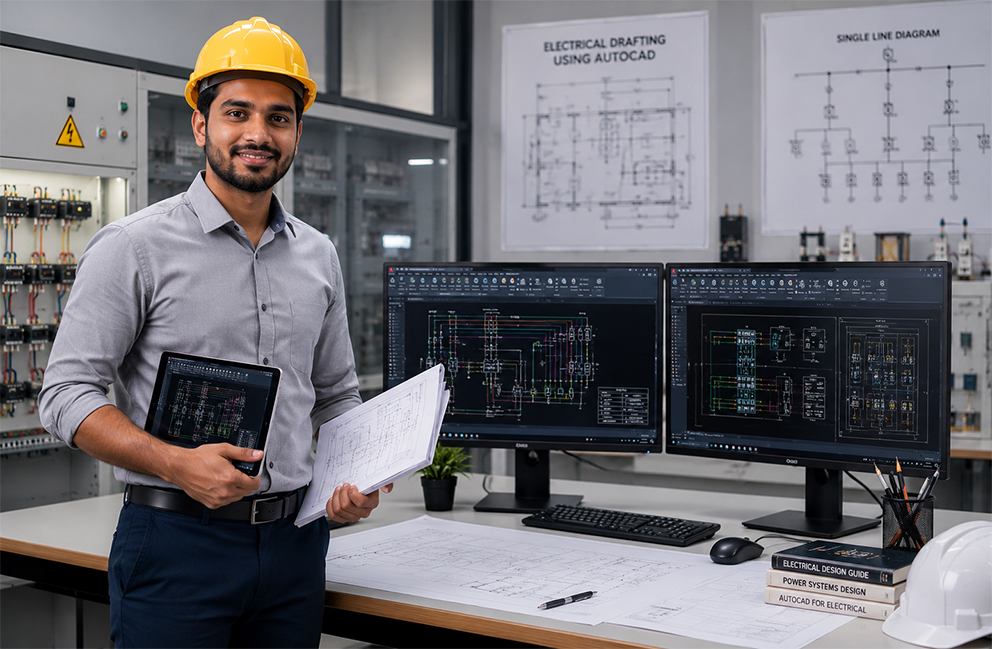
Expert in AI-Aided Electrical Drafting using AutoCAD

Master electrical drafting using AutoCAD through practical training, AI-aided workflows, and real-world electrical design projects. Develop the skills required for careers in electrical engineering, building services, industrial automation, and infrastructure projects.

Learner Satisfaction

4.8 Learner Satisfaction

Duration

Duration: 80 Hours

Level

Level: Beginner to Intermediate

Mode

Mode: Classroom | Online | Hybrid

Industry Certification

Industry Certification

Skills You'll Gain

Develop practical electrical drafting skills used across electrical engineering, construction, and industrial projects.

educatex

Electrical Drafting Fundamentals

educatex

Electrical Wiring Layouts

educatex

Power Distribution Drawings

educatex

Lighting Layout Design

educatex

Electrical Panel Drawings

educatex

Cable Routing

educatex

Single Line Diagrams (SLD)

educatex

Electrical Symbols & Standards

educatex

Industry Drawing Standards

educatex

AI-Aided Drafting Workflows

educatex

Manufacturing Documentation

educatex

CAD Productivity Techniques

Course Overview

Electrical drafting plays a vital role in the planning, installation, and maintenance of electrical systems across residential, commercial, and industrial projects. This program helps you master AutoCAD for electrical drafting while introducing AI-aided workflows that improve productivity and design accuracy.

Through practical projects and hands-on learning, you’ll gain the confidence to create professional electrical drawings that meet industry standards.

Learning Experience

Experience a structured learning journey designed for career success.

educatex

Instructor-Led Sessions

educatex

Practical Lab Sessions

educatex

Live Demonstrations

educatex

Real Industry Projects

educatex

Portfolio Development

educatex

Continuous Assessment

educatex

Assignment Reviews

educatex

Mentor Support

What You'll Learn

architectural-design

Electrical Drawing Fundamentals

Understand projection methods, engineering standards, symbols, scales, and drawing conventions.

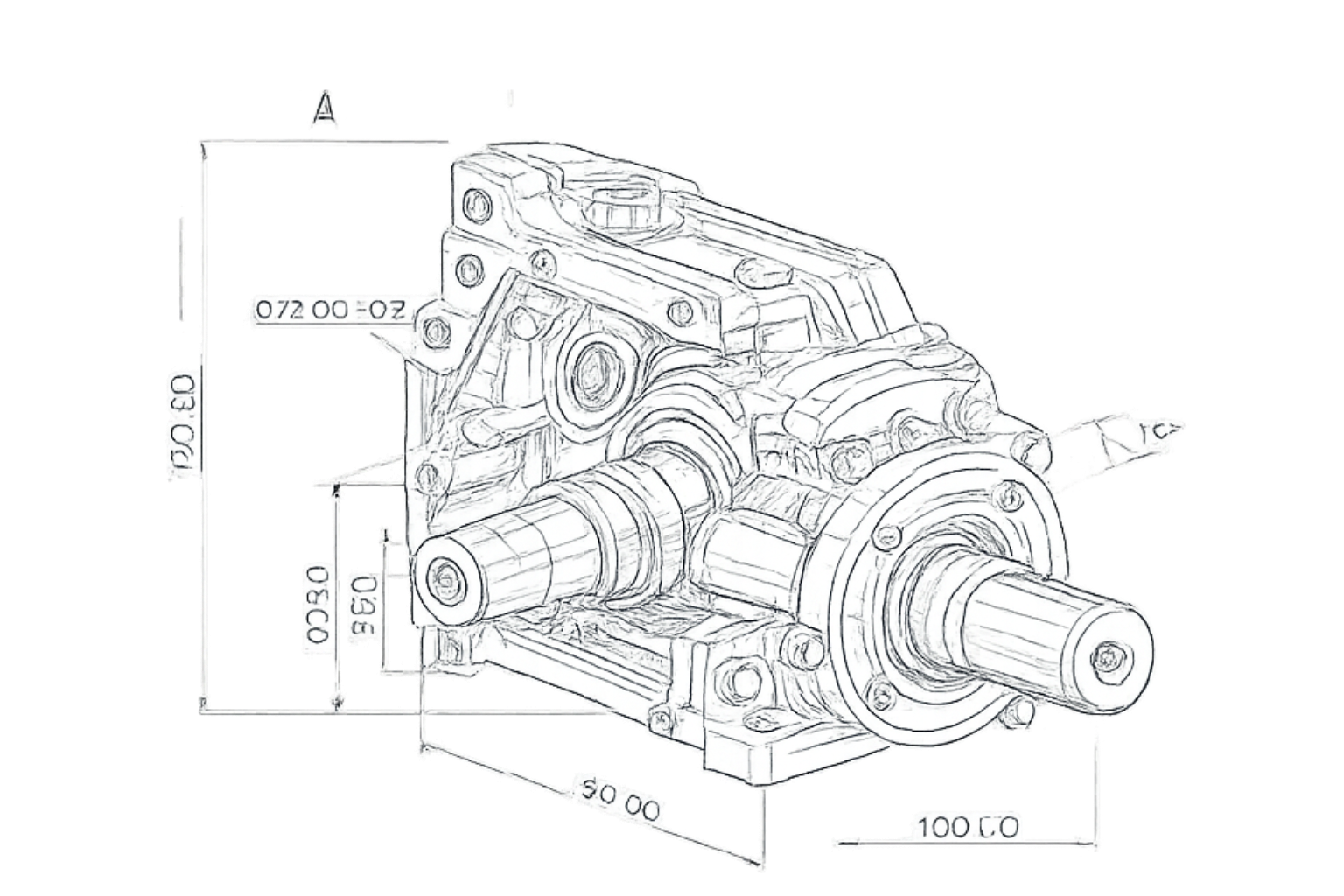
AutoCAD for Mechanical Drafting

Electrical Wiring Layouts

Create professional mechanical drawings using industry-standard AutoCAD tools and commands.

Mechanical Components

Lighting & Power Layouts

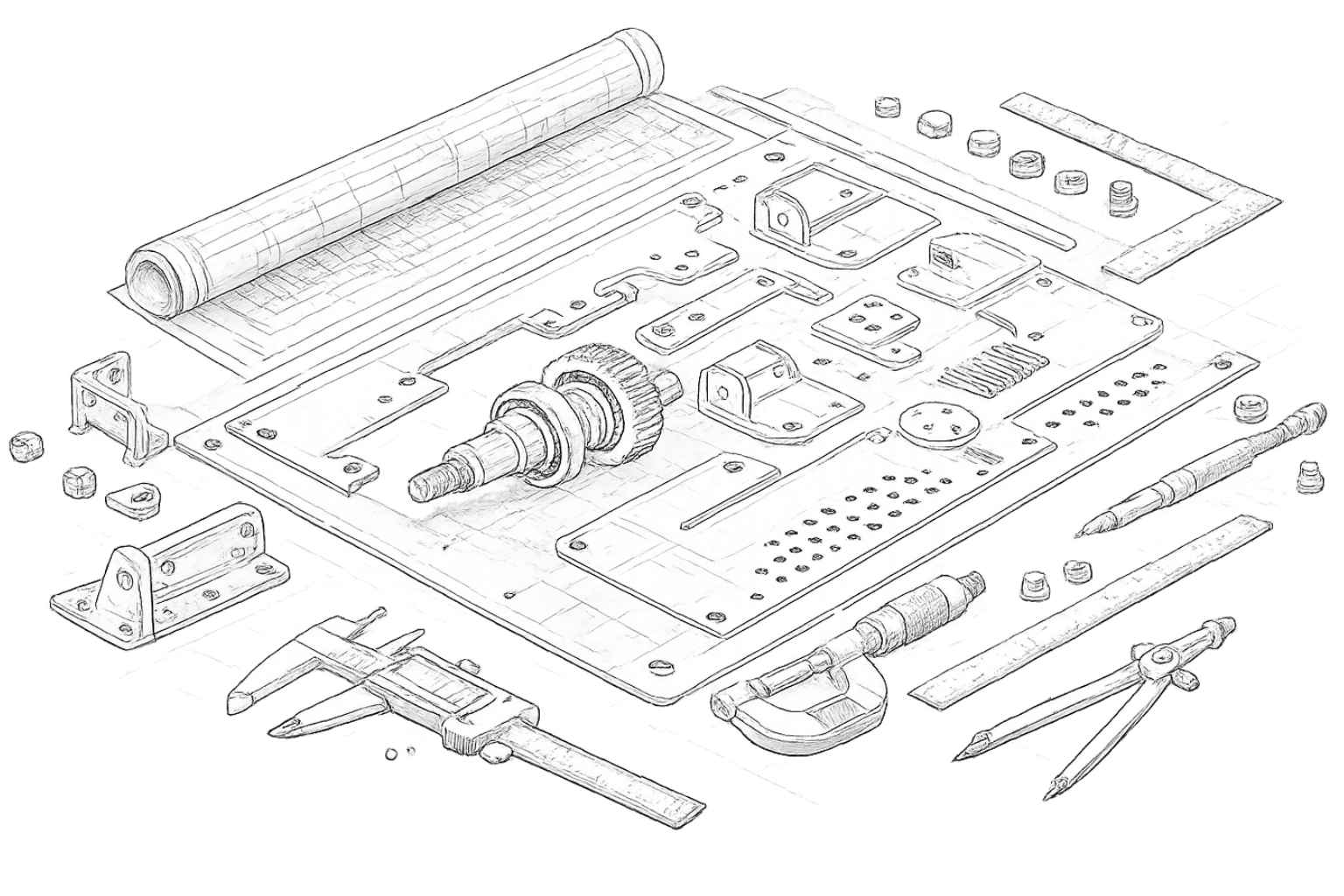
Develop part drawings, machine components, and engineering layouts with precision.

Assembly Drawings

Panel Board Drawings

Learn how individual parts come together to create complete engineering assemblies.

Dimensioning & Annotation

Single Line Diagrams

Apply accurate dimensions, tolerances, notes, and engineering annotations.

AI-Aided Drafting

AI-Aided Drafting

Improve drafting speed and workflow using AI-assisted productivity features and intelligent drafting techniques.

Manufacturing Documentation

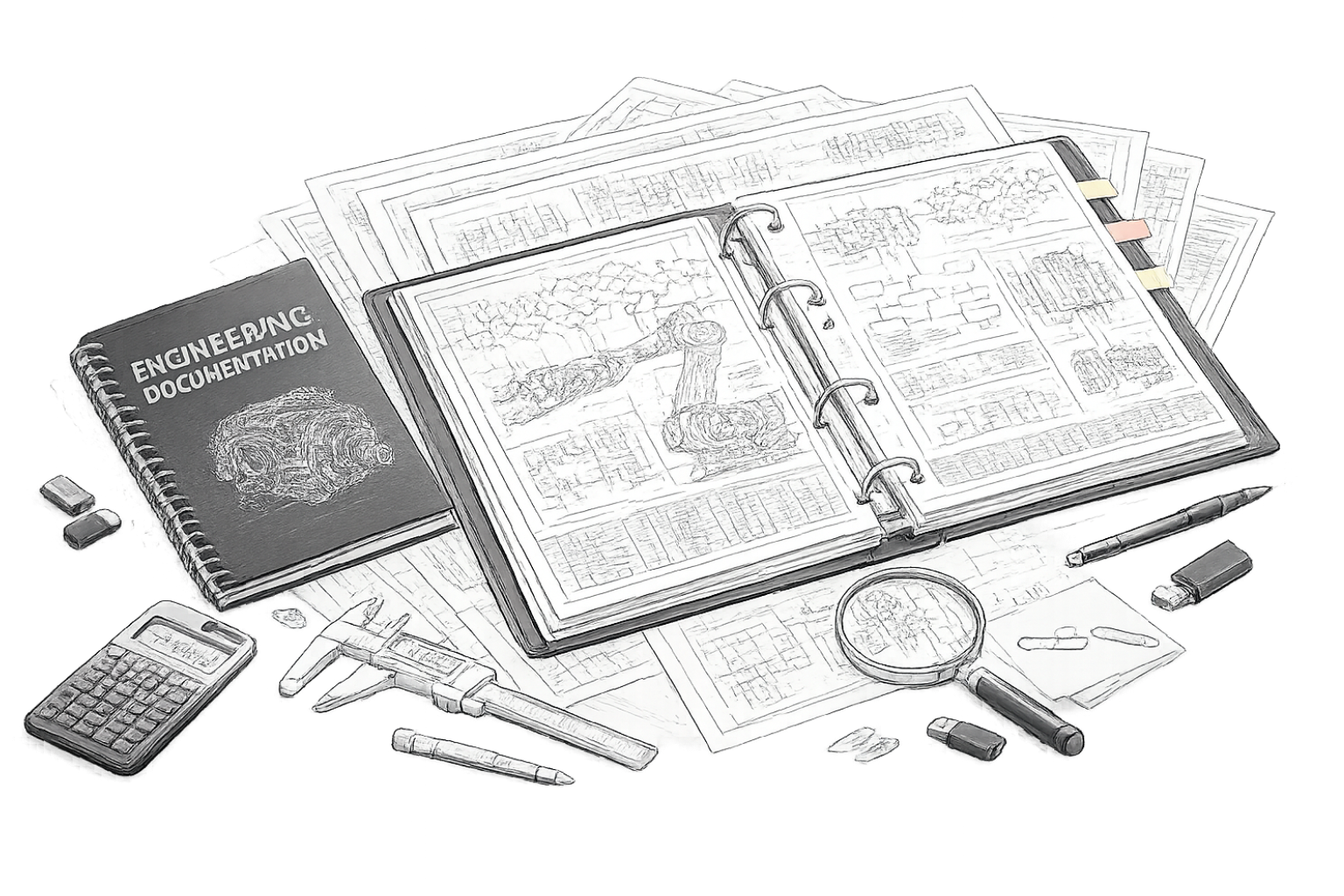
Technical Documentation

Prepare industry-standard drawings suitable for production and fabrication.
Hands-On Projects You'll Build

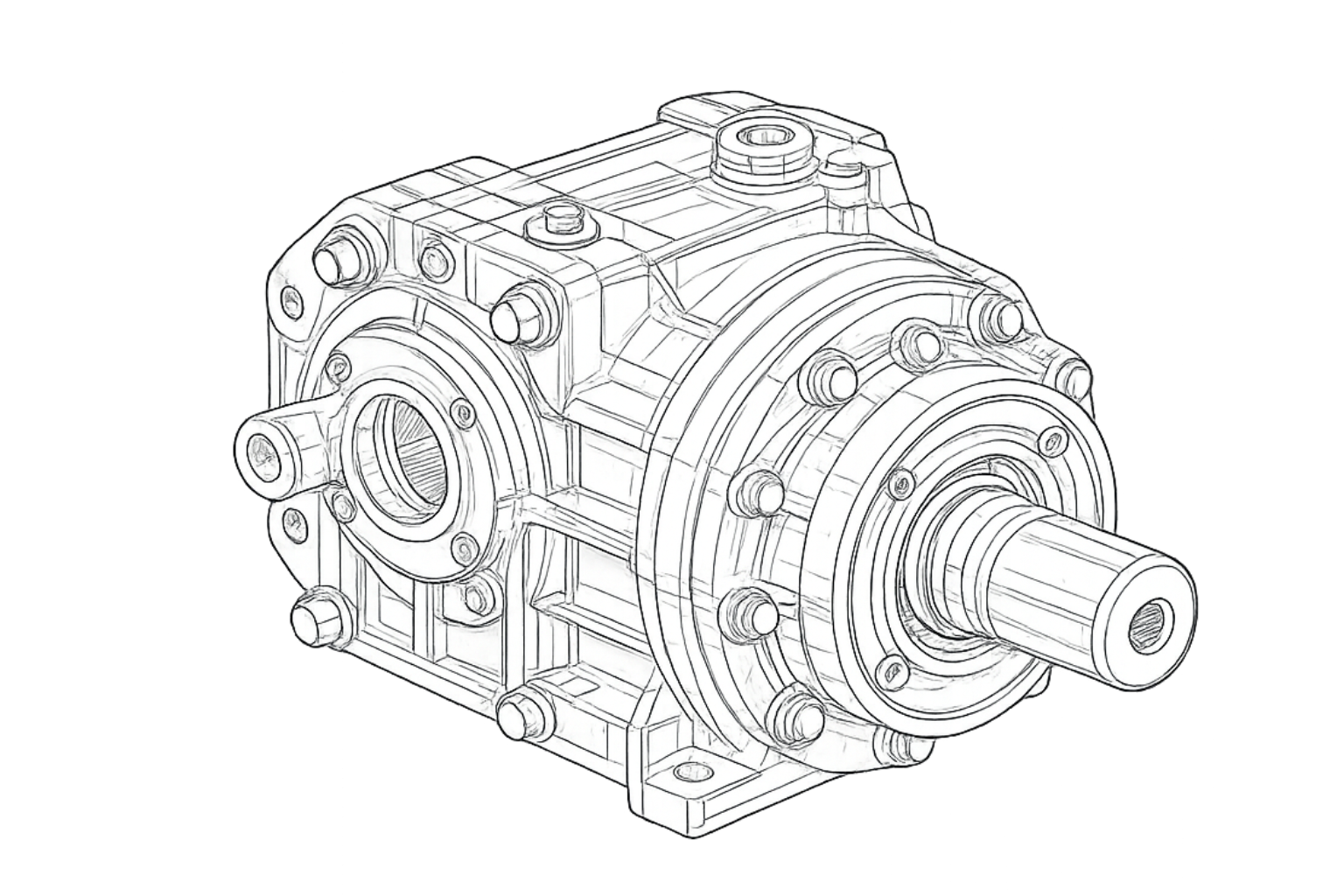
Learning is centered around practical application through industry-relevant projects

Machine Component Drawing

Project 1

Residential Electrical Layout
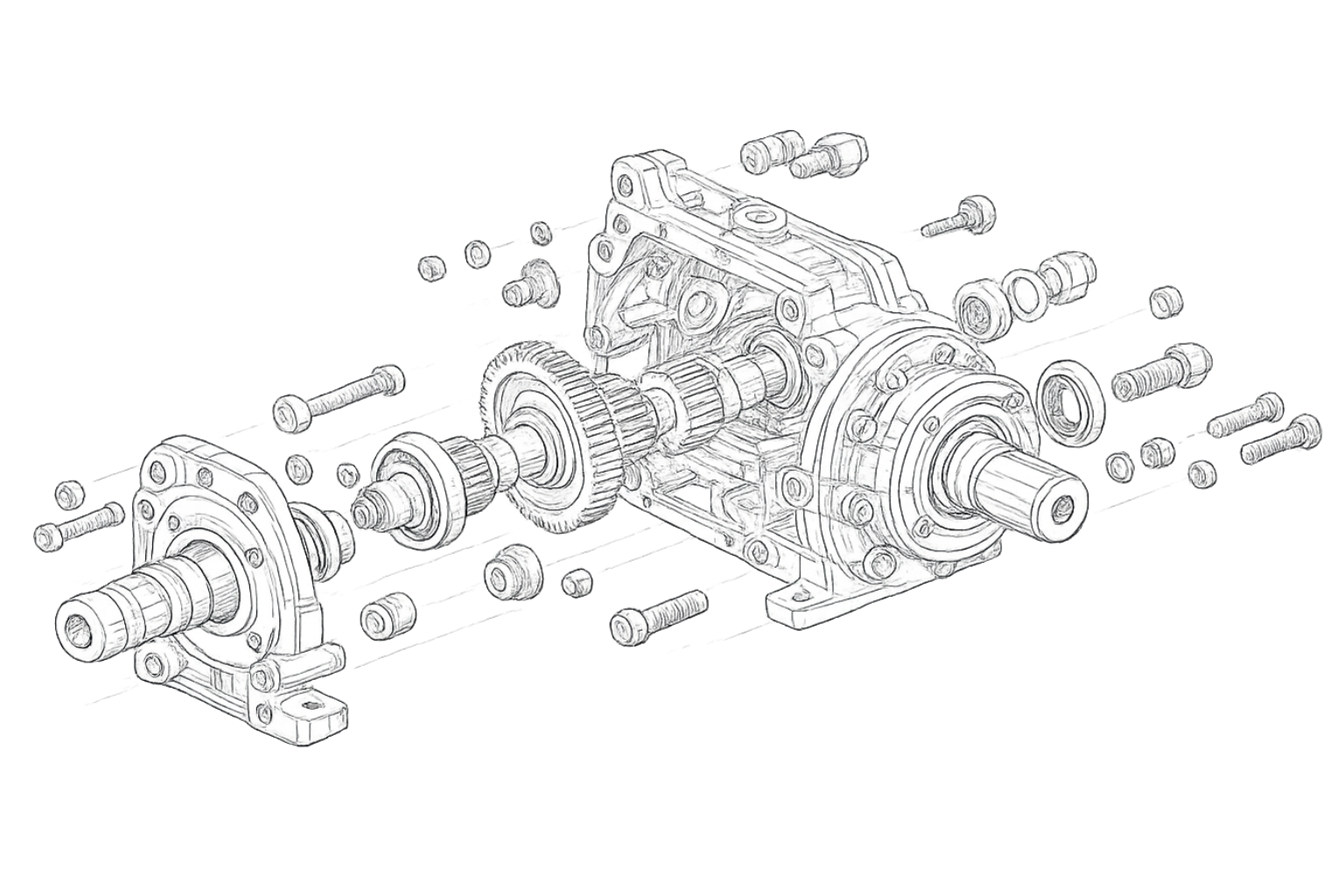
Mechanical Assembly Drawing

Project 2

Commercial Lighting Layout

Production Drawing

Project 3

Power Distribution Drawing

Fabrication Layout

Project 4

Fabrication Layout

Engineering Documentation Portfolio

Project 5

Single Line Diagram (SLD)

Final Capstone Project

Final Capstone Project

Develop a complete electrical drafting project that demonstrates your technical skills and industry readiness.

Start Your Career in Electrical Drafting

Build practical AutoCAD drafting skills through AI-aided learning, real-world projects, and industry-focused training at TESRA. Prepare for rewarding opportunities in electrical engineering, building services, infrastructure, and industrial design.

Software You'll Master

Learn industry-standard software used by electrical design professionals.
Software Covered:

AutoCAD

AutoCAD

Autodesk Productivity Features

Autodesk Productivity Features

AI-Aided Drafting Tools

AI-Aided Drafting Tools

Additional Benefits for Every Student

LMS Access for Portfolio Development

LMS Access for Portfolio Development

Access recorded learning materials, practice exercises, downloadable resources, and project templates. Build a professional portfolio throughout your learning journey and showcase your skills with confidence.

SkillPilot - AI Learning Assistant

SkillPilot - AI Learning Assistant

Get instant learning support with SkillPilot, your AI-powered learning assistant. Clarify concepts, receive guidance during projects, practice interview questions, and accelerate your learning anytime.

Career Opportunities

After completing this course, you can pursue roles such as:

Mechanical Draftsman

Electrical CAD Designer

AutoCAD Draftsman

Electrical Draftsman

Mechanical CAD Designer

Electrical Design Engineer

Design Engineer

CAD Technician

CAD Technician

Building Services Draftsman

Production Design Engineer

Electrical Project Coordinator

Manufacturing Design Engineer

Junior Electrical Engineer

Mechanical Design Executive

Design Executive

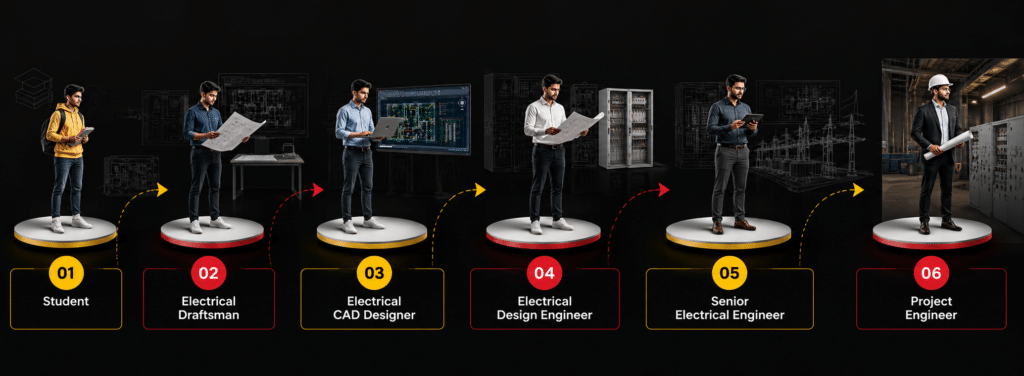
Career Growth Path

Start your journey in mechanical design and grow into advanced engineering roles.

Who Can Join This Course?

This course is suitable for:
No previous AutoCAD knowledge is required.

Why Choose TESRA?

Industry-Oriented Curriculum

Learn practical drafting techniques aligned with current engineering and manufacturing practices.

AI-Aided Learning

Understand how AI-assisted workflows improve drafting productivity and design efficiency.

Project-Based Learning

Build confidence by working on practical engineering assignments and real-world projects.

Expert Faculty

Learn from experienced trainers with strong industry exposure.

Portfolio Development

Graduate with a professional portfolio showcasing your technical drafting skills.

Career Guidance

Receive support for resume preparation, interview readiness, and career planning.

Ready to Build Your Career?

Join TESRA’s Expert in AI-Aided Electrical Drafting using AutoCAD program and develop the technical skills, practical experience, and industry knowledge required to succeed in the electrical engineering sector.

Student Projects

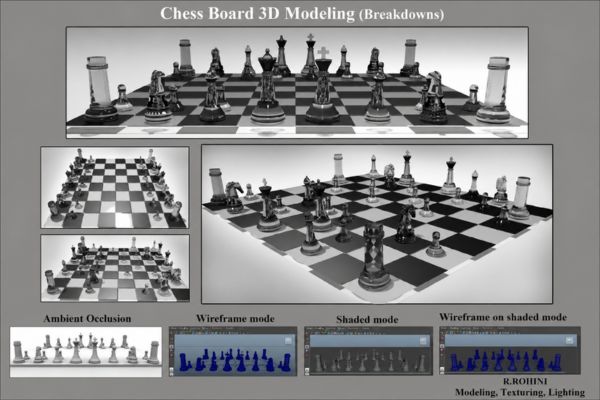
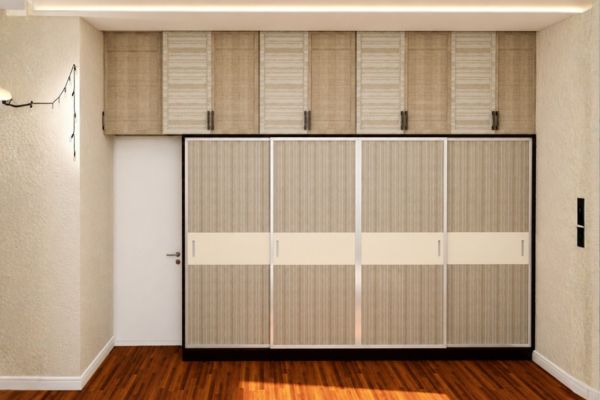
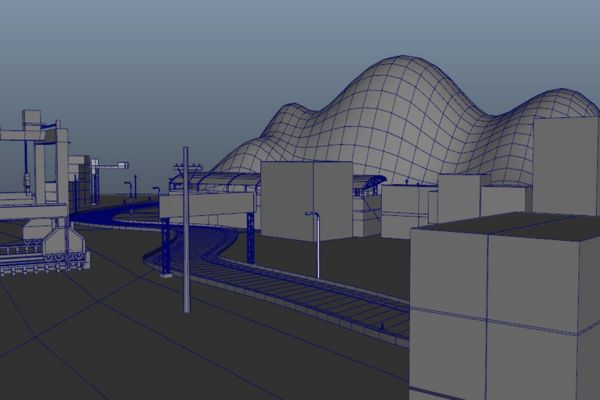
Explore engineering drawings, assembly models, production documentation, and mechanical drafting projects developed by TESRA students.

Related Programs

Continue building your mechanical design expertise with advanced programs.

Frequently Asked Questions

Is this AutoCAD Mechanical course suitable for beginners?
Yes. The course starts with engineering drawing fundamentals before progressing to advanced drafting techniques.
Will I learn practical drafting?
Yes. Every learner completes hands-on assignments, engineering drawings, and industry-based projects.
What software will I learn?
You’ll primarily work with AutoCAD and explore AI-aided drafting techniques that enhance productivity.
Will I build a portfolio?
Yes. Portfolio development is integrated throughout the course with real mechanical drafting projects.
Do I receive a certificate after completion?
Yes. Students receive a course completion certificate after successfully meeting the program requirements.
Is placement assistance available?
Yes. TESRA provides career guidance, resume support, interview preparation, and placement assistance.